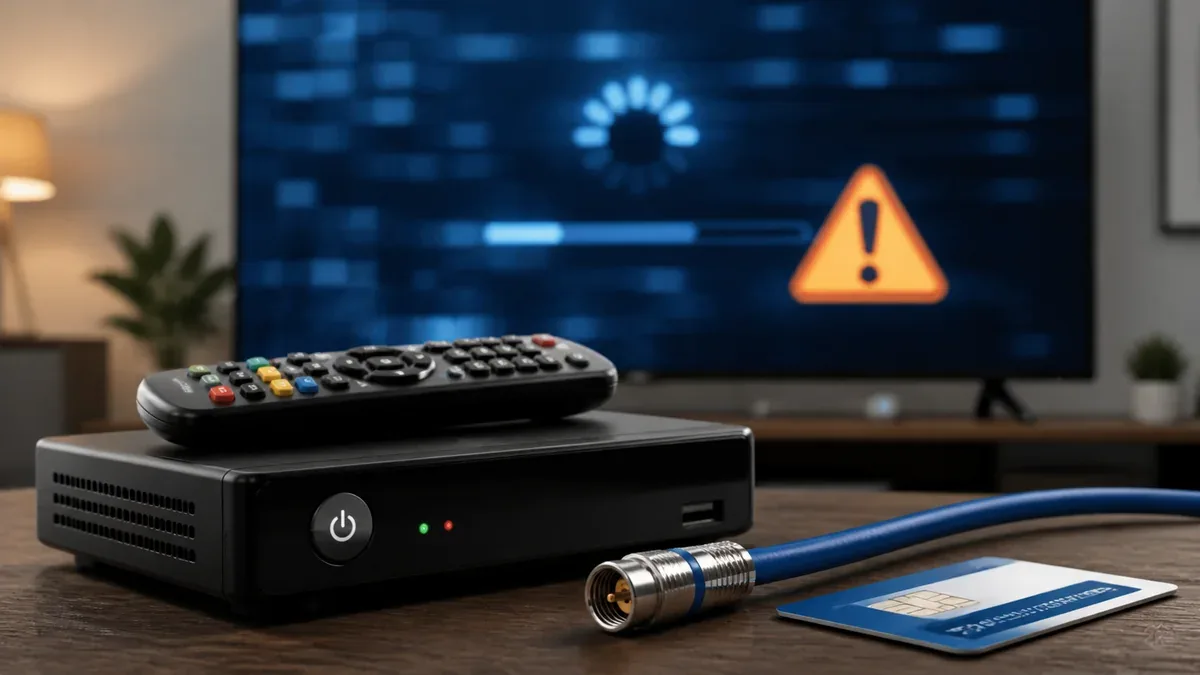
There is nothing more frustrating than turning on your television after a hard day of work in Chitra GIDC or Bhavnagar Ganeshnagar, only to be greeted by a frozen picture, pixelated blocks, or a blank blue screen displaying a cryptic error code. Because GTPL digital set-top boxes rely on absolute signal frequency values, minor physical wiring shifts or regional maintenance works can trigger localized service blocks.
But before you pick up the phone to request a technician, there are several simple, safe, and highly effective steps you can perform right in your living room. Sitaram Cable & Broadband Services has created this expert guide to resolving GTPL signal error Chitra problems instantly.
Decoding Common GTPL Set-Top Box Error Codes
When the GTPL receiver box experiences communication issues with our local server node, it displays a specific numerical code on your TV screen. Understanding these codes helps isolate the problem instantly:
1. Error Code E101-4 or "No Signal"
This is the most frequent error. It signifies that the physical coaxial cable connected to the back of your receiver is not conveying any electrical frequency. This is almost always caused by a loose connection, a disconnected wall adapter, or a physical cable break outside your building.
2. Error Code E017-0 or "Smart Card Expired / Not Active"
This indicates that the hardware receiver is receiving perfect physical signals, but your monthly subscription has expired or the VC card needs a digital refreshment signal from our billing system. It has nothing to do with broken cables.
3. Error Code E06-4 or "Smart Card Error"
This means the receiver cannot read the golden microchip on your physical set-top box VC card. This is usually caused by accumulated dust or a slight displacement of the card within its designated slot.
Step-by-Step Troubleshooting Checklist
Follow these logical steps in sequence to clear the most common signal interruptions:
Step 1: Perform a Hard Power Cycle
Just like standard computers and dual-band Wi-Fi routers, GTPL digital set-top boxes can occasionally freeze due to internal memory overloads. To reset the device:
- Switch off the power socket feeding both your television set and the GTPL set-top box.
- Unplug the power adapter cords from the wall sockets completely.
- Wait for precisely 60 seconds to allow all residual electrical capacitors to discharge.
- Plug the cords back in, turn on the power switch, and allow the receiver box to boot up completely (usually takes about 2 minutes).
Step 2: Inspect and Tighten the Coaxial Screw Pin
The signal travels from our local pole through a thick, shielded black cable that screws into the "CABLE IN" or "RF IN" threaded metal port at the back of your set-top box. If this connection is loose, the high-frequency digital signal will leak, triggering E101 codes.
Gently turn the metal screw connector clockwise to ensure it is tightly threaded. Do not use pliers or heavy tools; hand-tight is perfect. Furthermore, inspect the thin copper pin at the center of the wire to ensure it is not bent or snapped.
Step 3: Clean and Re-insert your VC Smart Card
If you see card errors (like E06-4):
- Gently slide out the plastic VC smart card from the front or side slot of your GTPL box. Note which side the golden microchip is facing.
- Take a clean, dry microfiber cloth and gently rub the golden chip to remove any microscopic dust or oxidation layers. Do not use water, soap, or rubbing alcohol.
- Gently slide the smart card back into the slot in its original orientation, pressing it firmly until it locks in place. The box should automatically read the card and restore your channels within 30 seconds.
Step 4: Check for Regional Network Outages
If your physical wiring is perfect, but your TV still shows E101-4, there might be a localized network outage. Heavy road excavations, power cuts in distribution centers, or fallen tree branches can occasionally snap optical cables on poles.
Before worrying, visit the official Sitaram Network Status Panel at our live Network Status page. This page provides real-time operational status updates for every major zone in Chitra (Chitra Main, GIDC, Ganeshnagar, Shivajinagar, and Vartesh). If a zone is marked as "outage" or "maintenance", it means our local repair team is already on-site actively splicing the damaged cables.
When Should You Call Sitaram Cable?
If you have gone through the power cycle, tightened your screw adapter, verified your smart card is clean, and the status page shows your zone is fully operational, then the issue is unique to your property’s physical connection drop. This can happen if birds have damaged the exterior cable drop, or if interior cables were pinched during house cleaning.
In such cases, simply contact Sitaram Cable at +91 98250 39825 or send us a WhatsApp text. Do not attempt to repair snapped exterior cables yourself. A professional local technician will arrive at your home with physical signal meters to restore your entertainment immediately.
Ready to Get Connected?
Call the local Sitaram Cable team for GTPL Cable TV or Railtel broadband service in Chitra, Bhavnagar.
Call Shaktisinh Now